September 17, 2026 · Erick Mathias + Silvana Santos
Konvéz AI Connect: quality management connected to ChatGPT, Claude and Cursor via MCP
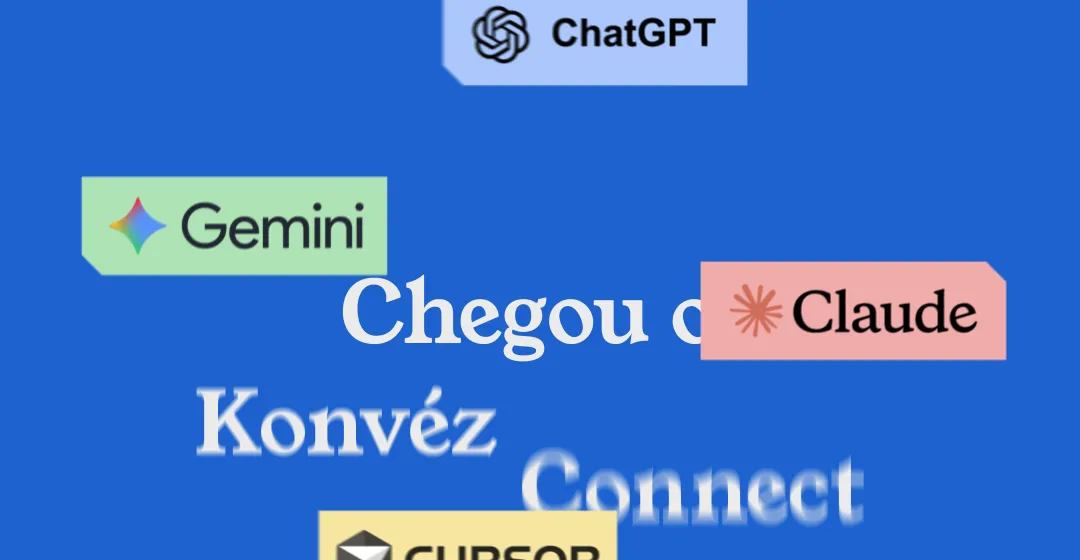
We are happy to announce the launch of Konvéz AI Connect, the new feature that connects your Quality Management System to AI assistants in natural language — via MCP (Model Context Protocol).
What is MCP?
MCP is an open protocol that allows AI assistants to access business data securely and in isolation. With Konvéz AI Connect, you can chat with the AI about your company’s data — without leaving the familiar environment of ChatGPT, Claude or Cursor.
How it works
- Secure connection: Authentication is done via OAuth — your password is never shared with the AI assistant.
- Isolation by company: Each connection sees only your company’s data — never another Konvéz client’s.
- User permissions: The assistant respects exactly what your profile can already see in the system, nothing beyond that.
- Logged queries: Every query made by AI is logged — what was accessed, when and by whom.
- Revocable connection: You can disconnect an assistant at any time, without affecting your normal access to the system.
What you can ask
After connecting, you can ask questions like:
| Question | MCP Tool |
|---|---|
| “What’s pending for me right now?” | list_minhas_pendencias |
| “Is there anything overdue that needs attention today?” | buscar_documentos_vencendo, list_acoes_atrasadas |
| “What are the critical NCs open?” | listar_nao_conformidades |
| “What are the critical risks by process?” | listar_riscos_criticos |
| “Who did what in the history?” | buscar_historico_alteracoes |
| “What’s the SGQ health?” | buscar_indicadores_analises_criticas |
| “What are the strategic indicators?” | buscar_indicadores_gestao_estrategica |
| “What’s the TAPI thermometer?” | buscar_indicadores_tapi |
New: automatic alerts for overdue NCs
One of the most requested features is now available via MCP: automatically send notifications and emails to those responsible for overdue nonconformities.
As soon as an NC exceeds its deadline, the system can:
- Send an email alert to the responsible person, with full NC context (title, description, original deadline and days overdue).
- Notify within Konvéz Quality so leadership can see the pending item on the indicators dashboard.
- Log the notification in the change history, maintaining full traceability.
This means nobody learns about an overdue NC only when someone finds time to look for it. The system brings the information to whoever needs to act.
Security
- No shared password: The connection never uses your Konvéz password — authorization is done through a specific method for AI assistants.
- Logged queries: All access is logged for auditing purposes.
- Revocable connection: Disconnect at any time via the settings.
Onboarding prompt
When connecting for the first time, copy this prompt to guide usage:
“You are chatting through Konvéz AI Connect, connected to my company’s Quality Management System.
Before answering, use the available tools to fetch real information — never invent numbers, deadlines or status. If you don’t have a tool for something, say that clearly instead of assuming.
To start, give me a quick summary:
- What’s pending for me right now;
- Is there anything overdue that needs attention today;
- A highlight of each module you can query (documents, NCs, risks).“
Supported platforms
| Platform | Status | Notes |
|---|---|---|
| ChatGPT | ✅ Connected for real | Custom connector available |
| Claude | ✅ Connected for real | Custom connector available |
| Cursor | ✅ Connected for real | Native MCP support |
Next steps
- Access your AI assistant’s settings
- Add a custom connector with the URL:
https://mcp.konvezquality.com.br/mcp - Complete the OAuth authorization (automatic Konvéz login)
- Select which modules to release (documents, NCs, risks, etc.)
- Start asking questions in natural language!
The Konvéz AI Connect is included in all plans. Access now and discover how your management can talk to AI!
For more information about MCP or integration support, consult the technical documentation or contact our team.